Tech · 20 June 2025
AAA games in the browser? WebGPU paves the way
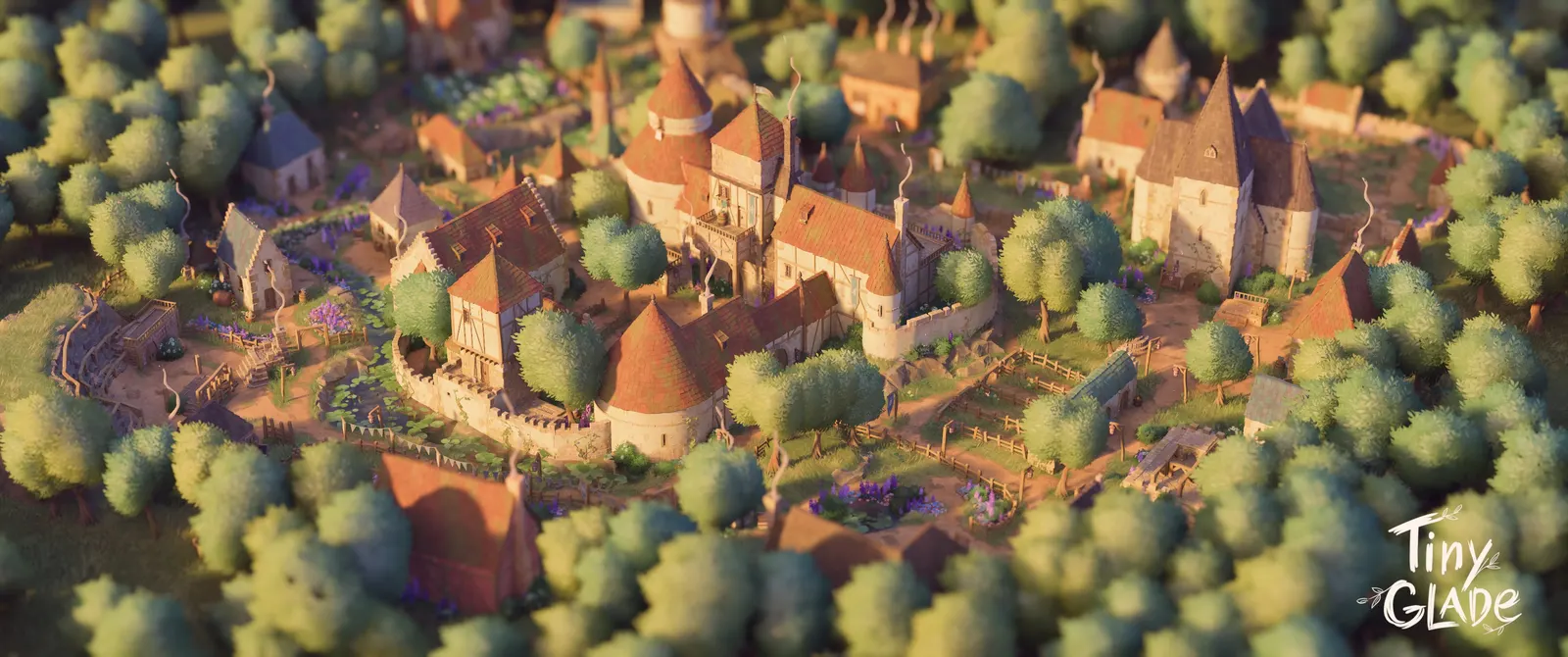
WebGPU opens the door to advanced gaming in the browser. Performance, 3D, real demos: we explore this future that plays out online.

Tech · 27 March 2025 · 4 min
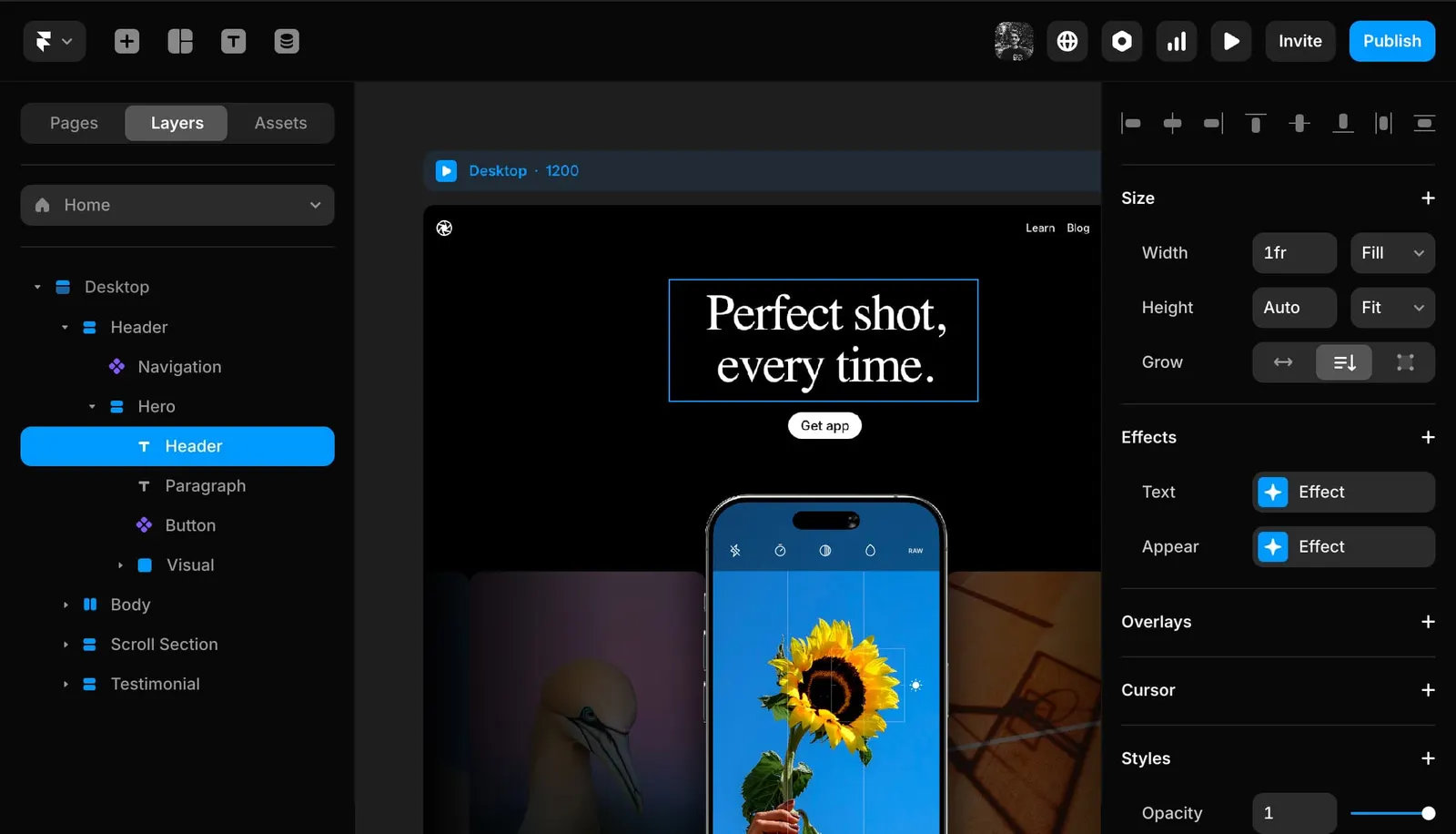
WordPress, Webflow, Framer, Directus... In 2025, which CMS fits which project? A tour of the classic and modern options.
The Riven team
In 2025, choosing a CMS (Content Management System) for your website is more complex than ever. WordPress dominated for years, but newer platforms like Webflow and Framer now offer compelling alternatives, each with their own strengths and limits. There is no one-size-fits-all solution anymore. In this article, we compare legacy CMS options (WordPress, Joomla, Drupal) with modern solutions (Webflow, Framer, Directus) to help you find the right tool for your project and your profile. And when your needs are highly specific, a fully custom build is sometimes still the best answer.
WordPress, Joomla, and Drupal have been around for decades. These open-source CMS platforms install on your own hosting and offer enormous flexibility through thousands of themes and extensions. The trade-off: they require more technical maintenance than a modern hosted solution.
Over the past few years, new tools have rethought website creation by betting on either no-code approaches or headless architecture (content managed via API).
Some cases call for none of the existing solutions: very specific features, exceptional performance, or a unique architecture. Building your own application without a CMS gives you absolute control, at the cost of greater development effort. This is a common choice for innovative startups or services powered by real-time AI. Always weigh the cost/benefit ratio: do not reinvent the wheel if a CMS already covers 90% of your needs.
The right choice depends on your goals, your content, your technical skills, and your constraints. Use a CMS as an accelerator, not an end in itself. And if your project goes off the beaten path, explore headless solutions or a custom build. Whatever CMS you choose, it is the care you put into your content and your users that will determine the success of your site.
Tech · 20 June 2025
WebGPU opens the door to advanced gaming in the browser. Performance, 3D, real demos: we explore this future that plays out online.
Tech · 10 January 2025

Cookies are disappearing, but web analytics is not going away. Here is how to measure intelligently without needless tracking.
Tech · 10 November 2024

Are Progressive Web Apps still relevant in 2025?
Tech · 17 June 2024

Implement card payments with Stripe PaymentIntent (SCA-compliant) in a custom PHP project, without a framework.