Tech · 20 June 2025
AAA games in the browser? WebGPU paves the way

WebGPU opens the door to advanced gaming in the browser. Performance, 3D, real demos: we explore this future that plays out online.

Tech · 17 June 2024 · 2 min
Implement card payments with Stripe PaymentIntent (SCA-compliant) in a custom PHP project, without a framework.

The Riven team
A complete, working code repository (with a simulated cart) is available. Here is a simple example for implementing Stripe PaymentIntent (SCA-compliant) in your project and accepting payments.
If you build websites, SaaS products, or web applications, you have probably needed payment functionality. On a CMS, plugins (WooCommerce for WordPress, Commerce for Drupal) handle payments for you. Outside those solutions, you will need to implement your own system. There are many gateways (PayPal, Apple Pay, Six Payment) and aggregators like Omnipay. To keep things simple, we focus here on Stripe and card payments.
Sign up on Stripe to get your secret and public keys, and make them available to your application.
Create a form containing the desired fields and the card field:
The main element is #card-element, managed by Stripe.js to display the card fields. Include the Stripe script in your head tag:
Next, a script.js file (loaded at the end of the body) mounts the Stripe card behaviors, listens for card input and form submission. The important part is the call to the pay() function, which starts the payment on submit. It relies on a few utility functions: changeLoadingState() (spinner), showError() (errors), handleAction() (an extra step requested by the bank, via stripe.handleCardAction), and orderComplete() (success). When additional validation is required (3D Secure), handleAction() resubmits the request to the same /pay.php endpoint with the paymentIntentId created in the first step.
Install the Stripe PHP SDK, then create a few files:
The pay.php endpoint returns only JSON, accepts only POST requests, sets the secret key, retrieves the cart and its total amount (in cents), reads the request body, builds the PaymentIntent, and returns the response, all inside a try/catch block.
Building the PaymentIntent:
In the first condition, a new PaymentIntent is created. If the bank does not require validation, the payment succeeds immediately. Otherwise (3D Secure or two-step validation, the SCA protocol), the front end goes through handleAction() and resubmits with the paymentIntentId, which falls into the second condition to be confirmed.
The response sent back to the client depends on the intent status:
The requiresAction key triggers the handleAction() call on the front end.
This tutorial is intentionally simple, meant as a starting point for working with the Stripe API and building your own implementation. No front-end or back-end framework was used, to keep the code in plain PHP/JS. Stripe supports many other use cases: recurring payments, saving customers, sending invoices. The official Stripe sample (https://github.com/stripe-samples/accept-a-card-payment) served as the basis for this solution. Feel free to share feedback or corrections. Thanks for reading.
Tech · 20 June 2025
WebGPU opens the door to advanced gaming in the browser. Performance, 3D, real demos: we explore this future that plays out online.
Tech · 27 March 2025
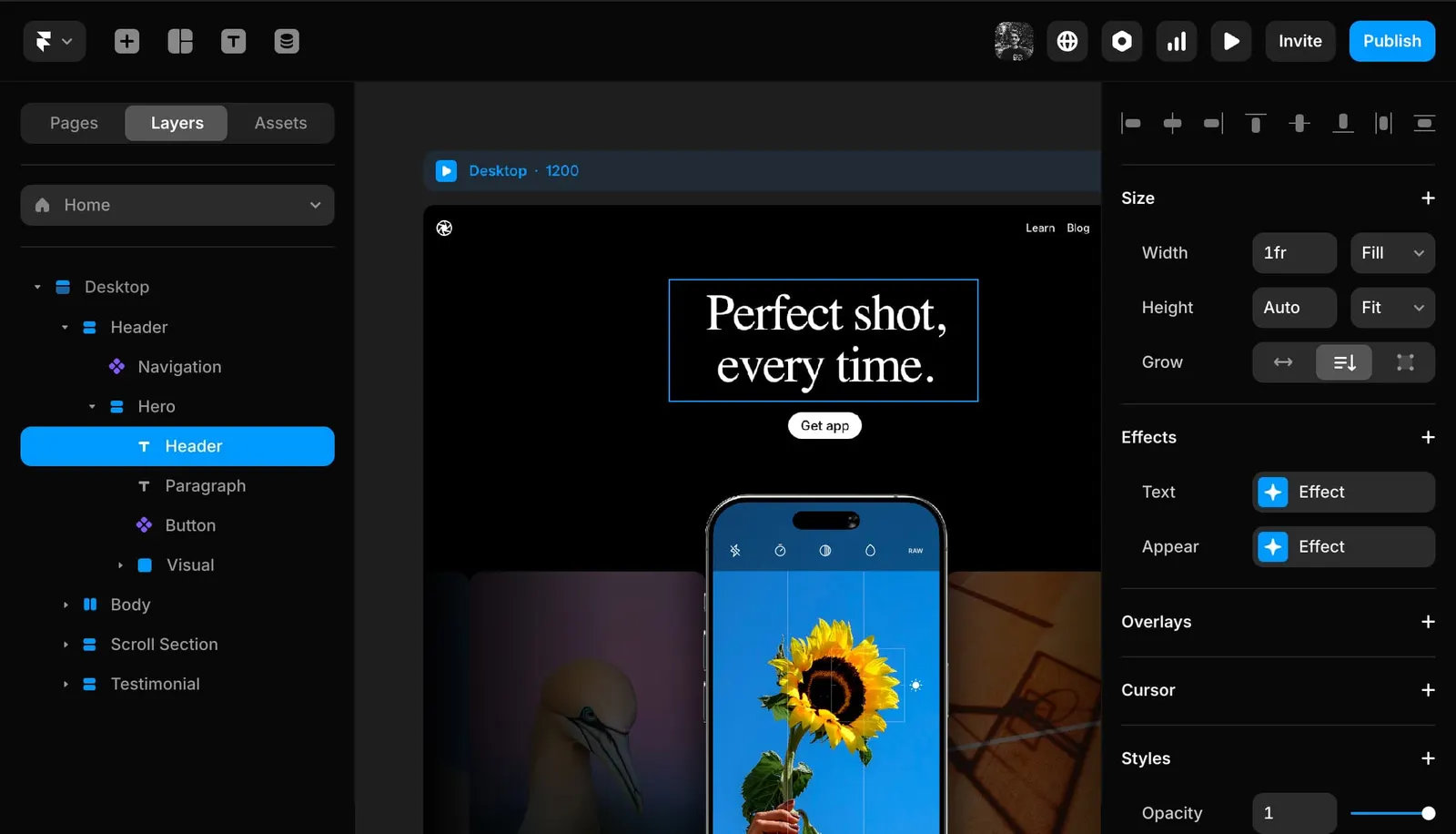
WordPress, Webflow, Framer, Directus... In 2025, which CMS fits which project? A tour of the classic and modern options.
Tech · 10 January 2025

Cookies are disappearing, but web analytics is not going away. Here is how to measure intelligently without needless tracking.
Tech · 10 November 2024

Are Progressive Web Apps still relevant in 2025?